

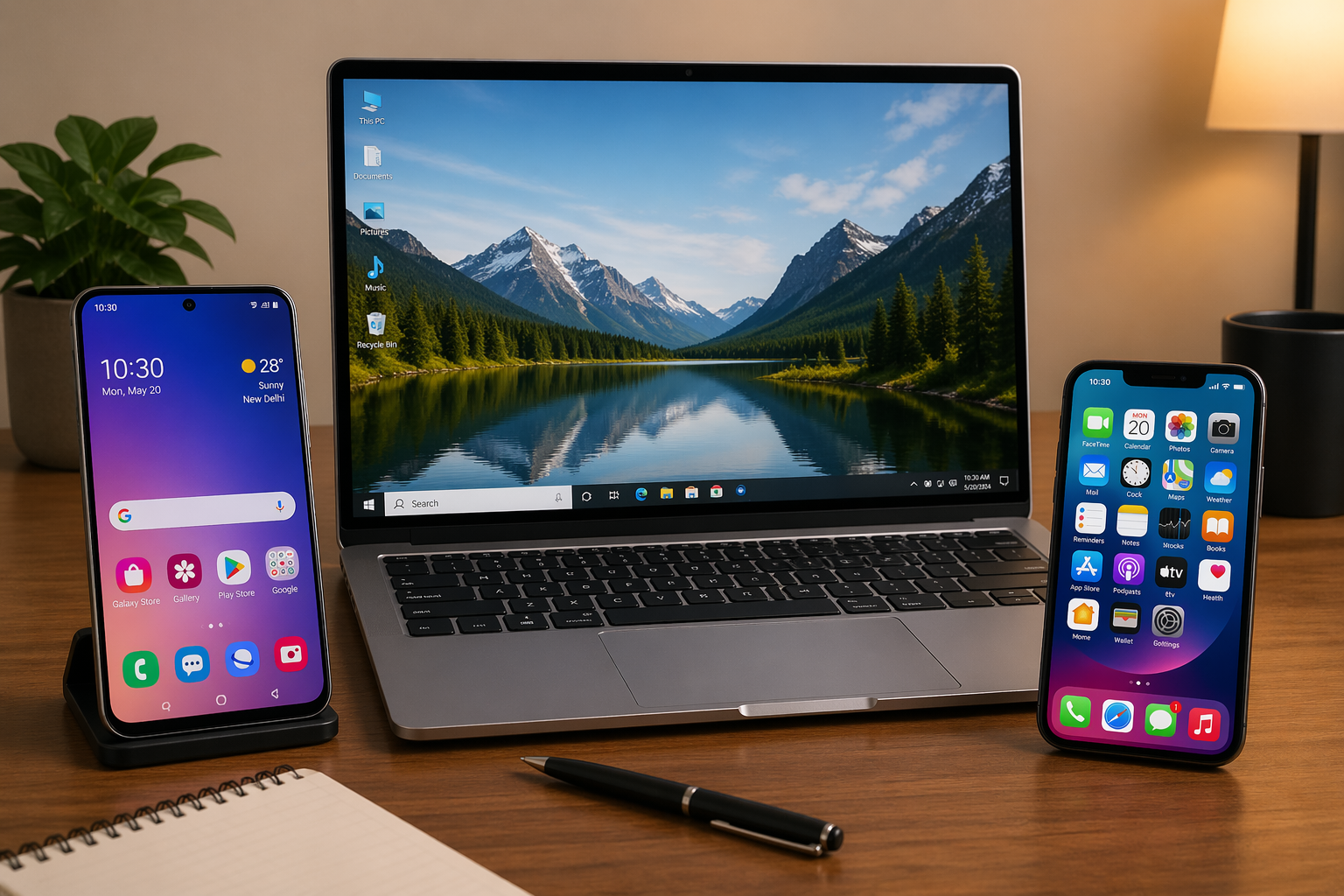
With the heavy rains and increased humidity during the rainy season in Lagos and other parts of Nigeria, laptops can easily develop problems such as moisture damage, overheating, keyboard faults, rust, or battery issues if not properly cared for. Here are simple ways to protect your laptop during this period:

Keep Your Laptop Away From Moisture
Avoid placing your laptop near windows during rain
Keep drinks and liquids away from it
Use a waterproof laptop bag when going out
Use a Laptop Bag With Waterproof Protection
A waterproof or padded bag helps protect your laptop from rainwater and humidity while traveling.
Avoid Using It on the Bed or Pillow
Beds and pillows block ventilation and may cause overheating, especially during humid weather.
Dry Your Hands Before Use
Wet hands can transfer moisture into the keyboard and internal parts.
Use a Surge Protector
Rainy seasons often come with unstable electricity and thunderstorms. A surge protector helps protect your laptop from sudden power spikes.
Keep It Clean and Dust-Free
Dust mixed with moisture can affect your laptop’s cooling system.
Do Not Charge During Thunderstorms
If there is serious lightning or thunder, unplug your laptop charger to reduce electrical risk.
Additional Tips
Back up important files regularly
Avoid leaving the laptop inside a hot car
Shut it down properly when not in use
If water enters the laptop, switch it off immediately and take it to a technician
Taking these precautions can help extend your laptop’s lifespan and prevent costly repairs during the rainy season.